What computer do I need to run this?
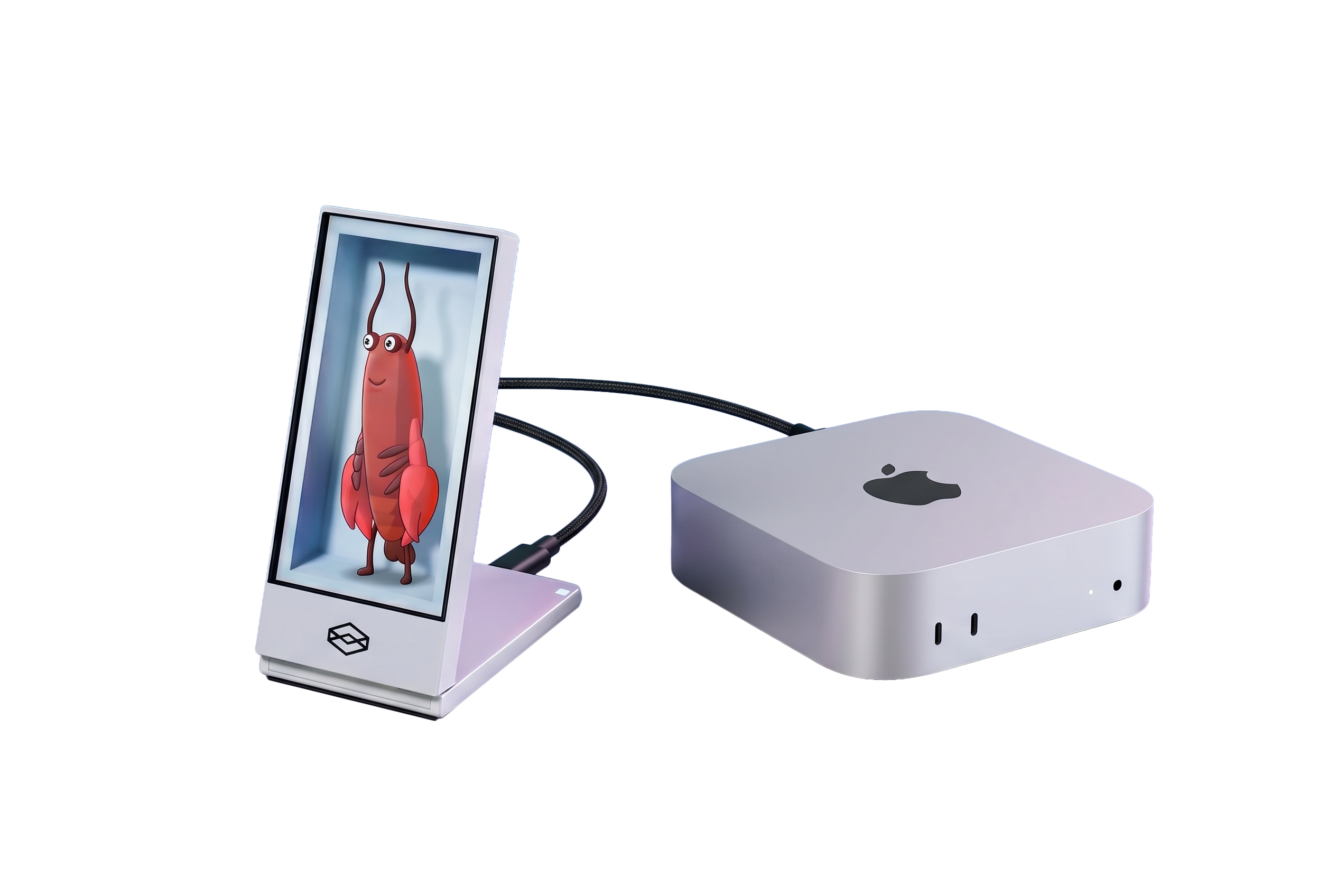
A Mac or Windows PC running OpenClaw. The Looking Glass Go connects over USB-C and handles the holographic display entirely on its own. Hardware requirements depend on which model you run — check the OpenClaw docs for the model you plan to use.
Can I bring my own API key?
Yes. Add any OpenAI-compatible API key in settings — Claude, GPT-4o, Mistral, whatever you prefer. Or run a local model entirely on-device. Clawdia does not have brand loyalty. Neither do we.
Does it work with Hermes, LLaMA, or other local models?
Yes. Clawdia works with any model OpenClaw supports — Hermes, LLaMA, Gemma, Mistral, Phi, and more. Swap the model in settings. She adapts. She always does.
Is there a subscription?
No. Whatever model you run is between you and your hardware. If you add a cloud API key, you pay that provider directly — we're not involved and we're not charging you again.
Do I have to use the lobster?
Absolutely not. Import any VRM model via soul.md. You can take a photo of a person and have it become them. The lobster is the default because Clawdia loves you already and she doesn't need your approval to exist.
What is OpenClaw?
OpenClaw is an open-source AI agent framework. Clawdia is the holographic layer that sits on top — she gives your agent a face, a body, and a presence on the Looking Glass Go. Think of OpenClaw as the brain. Clawdia is what the brain looks like when it's staring back at you.
What's actually in the box?
A Looking Glass Go holographic display, a USB-C cable, and access to the Liteforms software that runs Clawdia. The lobster is digital — she lives in the software. She does not require feeding.
Is this actually holographic?
Looking Glass Go creates real 3D depth visible from multiple angles — no glasses required. It's holographic in the "she looks like she's actually there" sense, not the "laser beams in a museum" sense. It genuinely works.